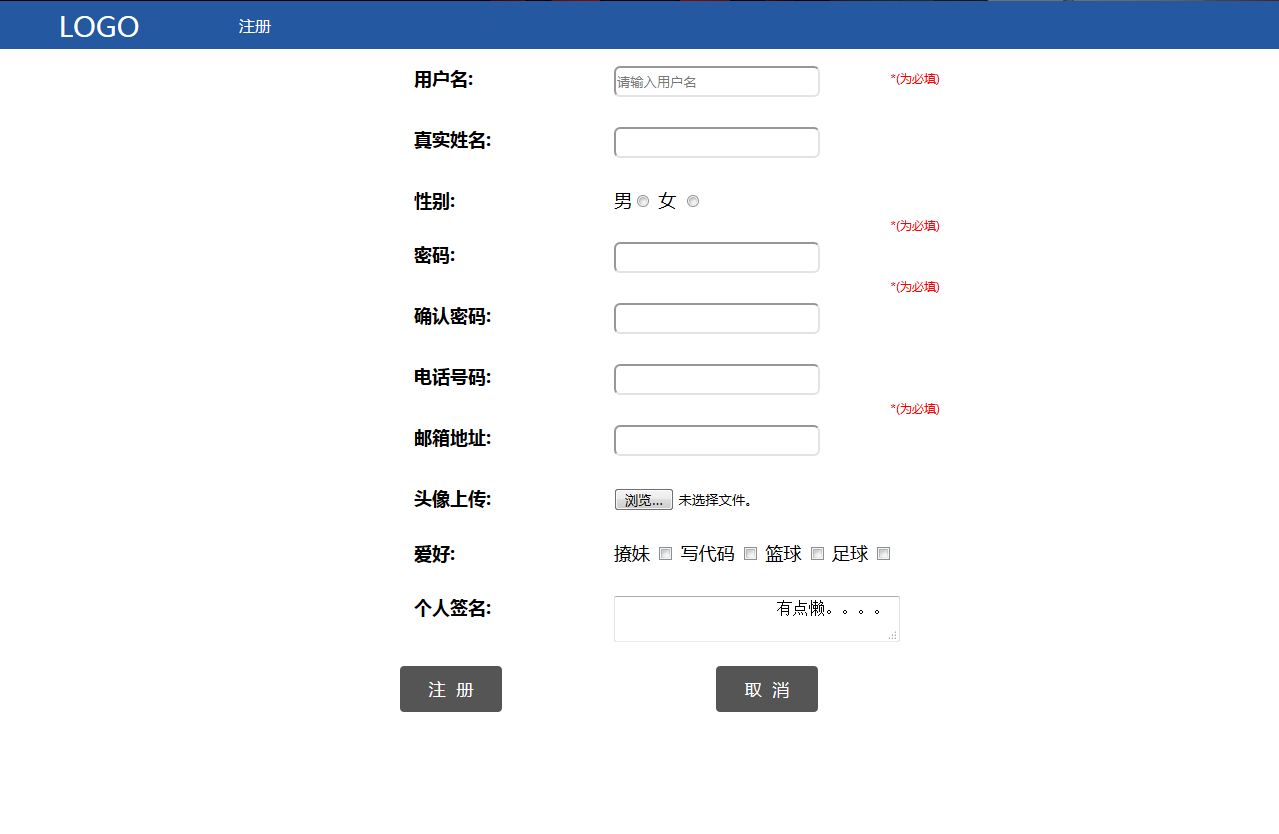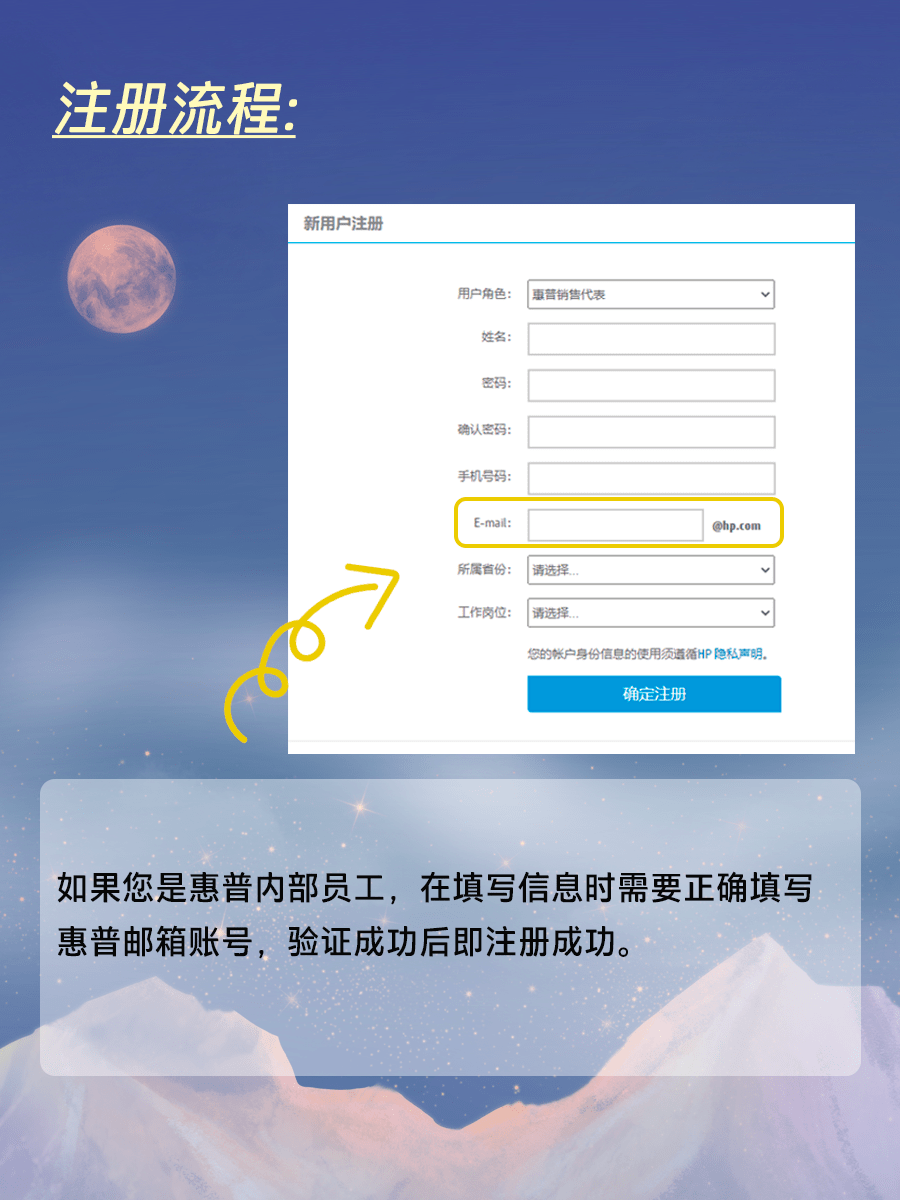
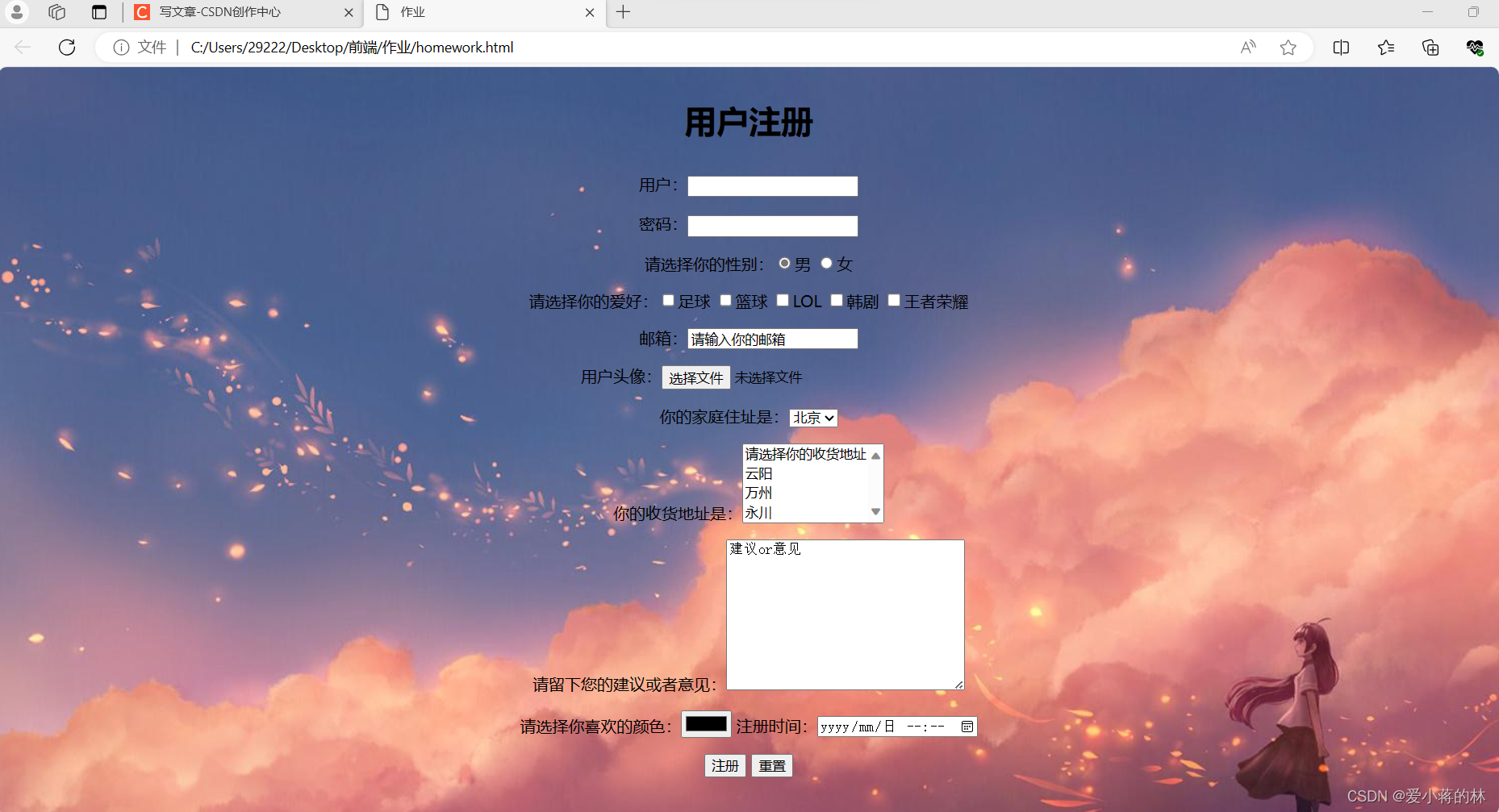
创建一个简单的网站注册页面涉及到HTML、CSS和JavaScript。下面是一个基本的注册页面的代码示例,包括一个表单和一些简单的样式。请注意,这只是一个基本的示例,实际的注册页面可能需要更多的验证和安全性措施。此外,图片通常通过CSS背景图像或HTML图像标签添加。
HTML代码:
<!DOCTYPE html>
<html>
<head>
    <title>注册页面</title>
    <style>
        body {
            font-family: Arial, sans-serif;
            background-image: url(’background.jpg’);
            background-repeat: no-repeat;
            background-size: cover;
        }
        .container {
            width: 300px;
            margin: 0 auto;
            background-color: #f5f5f5;
            padding: 20px;
            border-radius: 5px;
        }
        .form-group {
            margin-bottom: 15px;
        }
        label {
            display: block;
            margin-bottom: 5px;
        }
        input[type="text"], input[type="password"] {
            width: 100%;
            padding: 10px;
            border-radius: 3px;
            border: 1px solid #ccc;
        }
        input[type="submit"] {
            width: 100%;
            padding: 10px;
            background-color: #4CAF50;
            color: white;
            border: none;
            border-radius: 3px;
            cursor: pointer;
        }
    </style>
</head>
<body>
    <div class="container">
        <h2>注册</h2>
        <form action="/register" method="post"> <!-- 这里替换为你的注册表单处理地址 -->
            <div class="form-group">
                <label for="username">用户名:</label>
                <input type="text" id="username" name="username" required> <!-- required属性用于确保用户填写此字段 -->
            </div>
            <div class="form-group">
                <label for="password">密码:</label> <!-- 注意:在实际应用中,密码应该使用更安全的处理方式 -->
                <input type="password" id="password" name="password" required> <!-- 密码字段使用type="password" -->
            </div>
            <div class="form-group"> <!-- 可以添加更多字段,如邮箱等 -->
                <!-- ... -->
            </div>
            <input type="submit" value="注册"> <!-- 注册按钮 -->
        </form> <!-- 结束表单 -->
    </div> <!-- 结束容器 -->
</body>
</html>在这个例子中,背景图像是通过CSS的background-image属性设置的,你需要将’background.jpg’替换为你自己的图片路径,表单的action属性应指向处理注册信息的服务器端点,在实际应用中,你还需要添加更多的验证和安全性措施来保护用户的数据。